
SAME WORKDAY LOOP · THREE INDUSTRIES
See the small thing
before it stops the day.
A worker logs what happened. Moving Parts connects it to the stock, equipment, and next commitment—then gives someone a clear next step.
Every record on this page is sample data. The demos run in this browser only.
PICK A WORKDAY
Three workspaces. One clearer day.
VENDING · ROUTE OPERATIONS
Know which machine needs you next.
See machine stock, service flags, the worker’s van supply, and what remains in the warehouse.
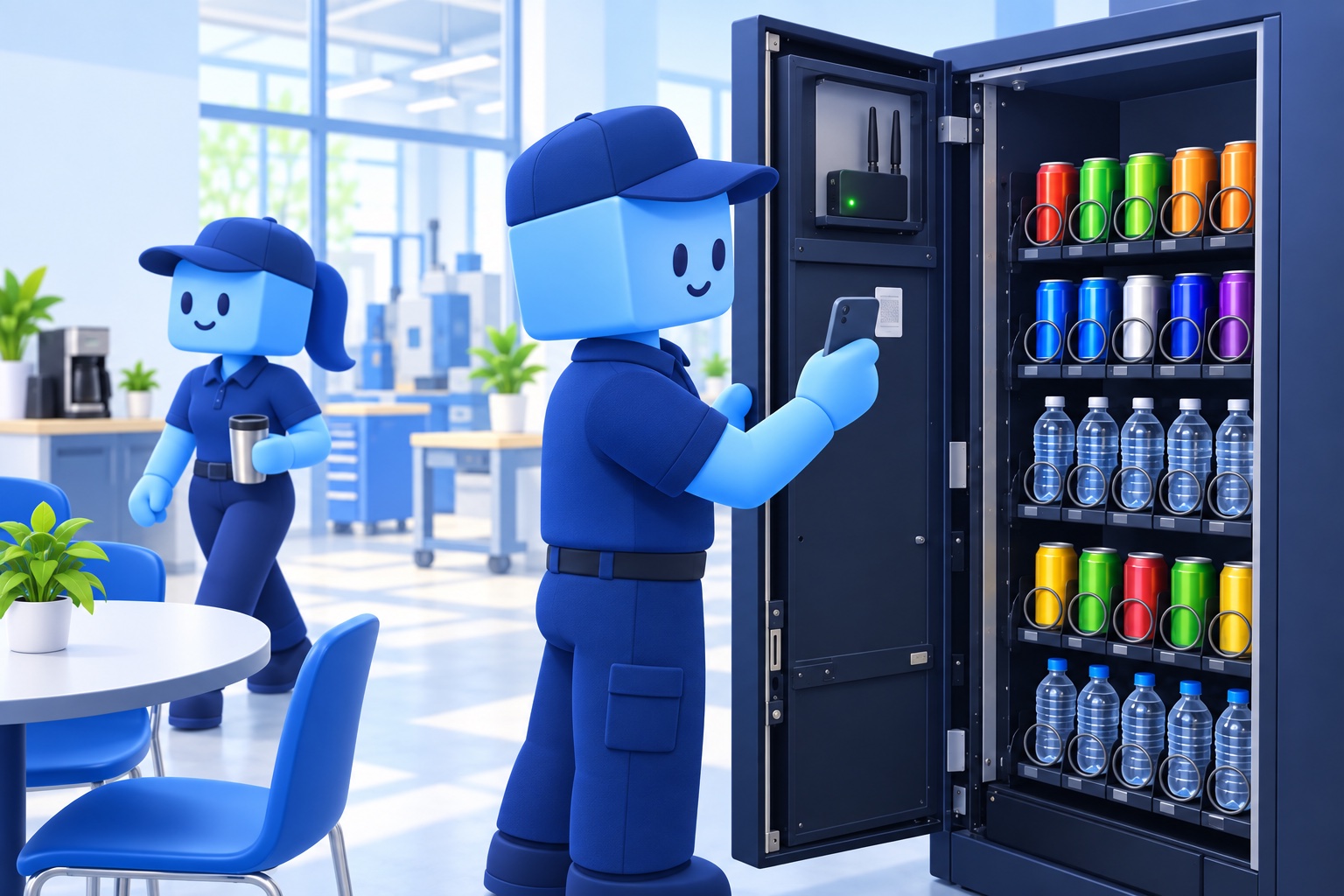
HOW THE SAMPLE FEED WORKS
Machine to manager view.
Hardware shown as a concept. This demo does not connect to a machine. A real feed needs a compatible vending controller or sensors, a selected cellular modem and SIM, and a verified item-count source. A Raspberry Pi alone does not identify each drink.
THE ROUTE BOARD
One shared picture. Two useful views.
FIVE MACHINES
Service and stock
WORKER VIEW · ROUTE 07
Asha’s route, ready to go.
Load the planned drink stock from the warehouse into the van, then close each stop.
CENTRAL INVENTORY
Warehouse left
ASHA · ROUTE 07
In the worker’s van
Stock transfers will update the warehouse and van quantities above.
ACTIVITY TRAIL
What just changed
Illustrative records · This is not a live vending, payment, route, cellular, or machine-control connection. Every click changes only this demo.
MATCHA SHOP · ORDER FLOW
From cup scan to the right shelf.
See what sells, catch the slow mover, time the drink handoff, and let customers collect by code.
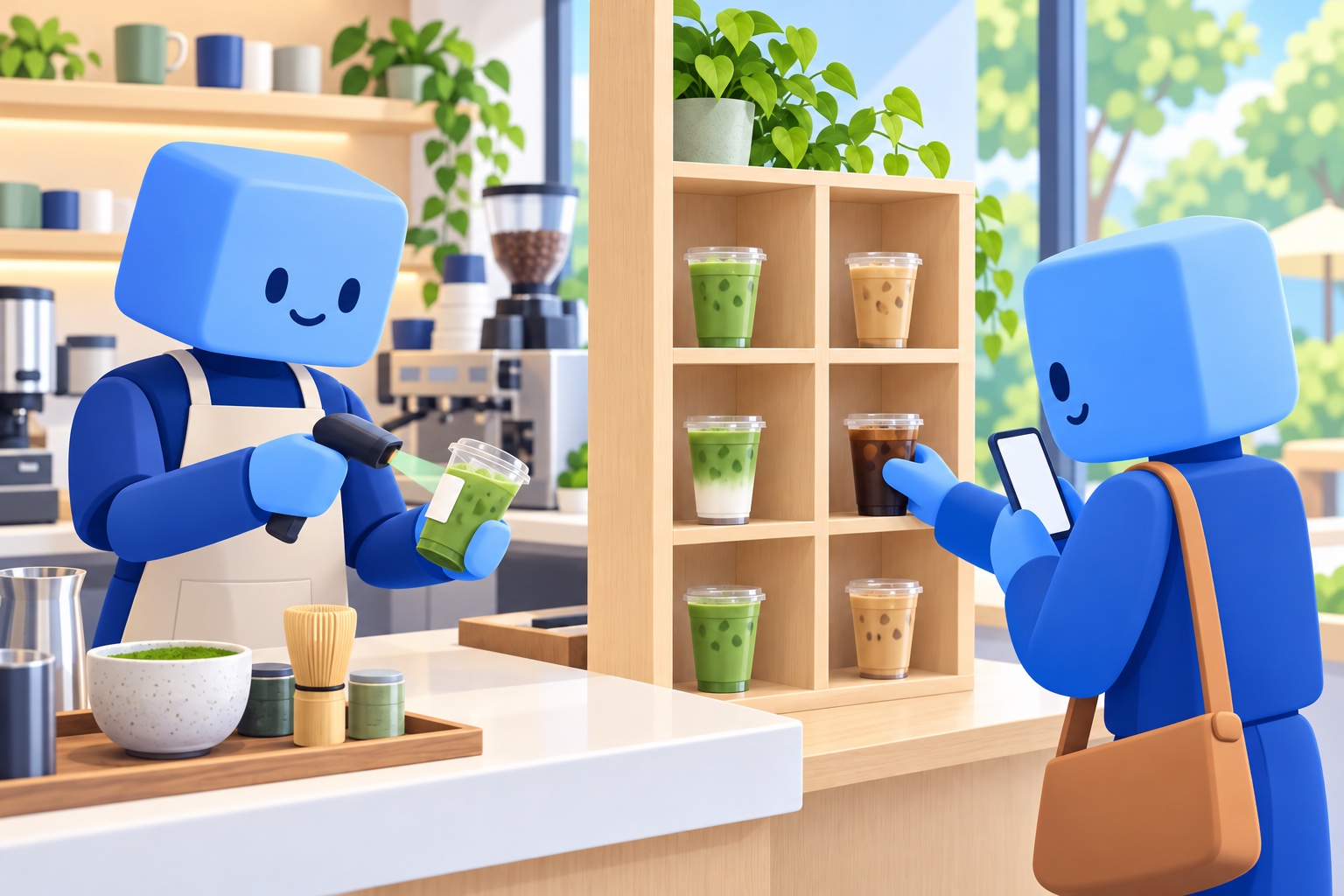
A SIMPLE, TRACEABLE HANDOFF
Time the work between scans.
- 1Barista scans the cupThe prep timer starts on the order.
- 2Drink is finishedRecord the ready time and shelf slot.
- 3Customer enters pickup codeConfirm collection and close the order.
The cup scan and pickup code below are simulated. This page does not use a camera or POS.
MATCHA WORKSPACE
Manager view · today’s sales and service
SALES AND PREP OVERVIEW
How the menu is moving today.
DRINKS SOLD
What’s moving—and what isn’t
BARISTA VIEW
Order handoff
CUSTOMER PICKUP
Find your shelf.
Finish the drink first to receive a shelf and pickup code.
Sales counts, prep history, and menu items are fictional sample records. A real store would connect its own point-of-sale and order process. The demo records scan-to-finish time; it does not make or route a real drink.
DELIVERY LOGISTICS · SHIPMENTS + RECEIVING
Send the order out. Receive the next one.
Keep a small delivery team aligned on the outbound package due Tuesday and the materials expected Wednesday.
ONE TEAM · TWO COMMITMENTS
Make the handoff visible before the deadline.
Manager assigns the next action. Workers confirm packing, carrier handoff, arrival, and receiving from a simple route view.
SHARED LOGISTICS WORKSPACE
Manager plans it. Worker closes the loop.
OPEN SHIPMENTS
Dispatch board
CARRIER UPDATE · COPY + PASTE
Bring an email into the work record
Paste a shipping update. Moving Parts will match its order number and show the suggested status before changing this sample board.
Email text stays in this browser demo. Nothing is sent.
WORKER VIEW · TODAY’S RESPONSIBILITIES
Maya · Delivery route
Complete each handoff in order. The manager board and activity trail update with your sample progress.
Role preview only · Sample tasks and email text · No carrier, inbox, inventory, GPS, or tracking service is connected.
DISPATCH ACTIVITY
What changed
Sample shipments: SO-1042 is a box of shoes due Tuesday; PO-771 is 2,400 lb of PP Natural expected Wednesday. Every change stays in this page.
SAME PROMISE, ANY WORKDAY
Log the small change.
Protect the bigger plan.
Moving Parts connects the update, the requirement it affects, and the person who can take the next step.
Talk through a real workflow